
The Welcome window
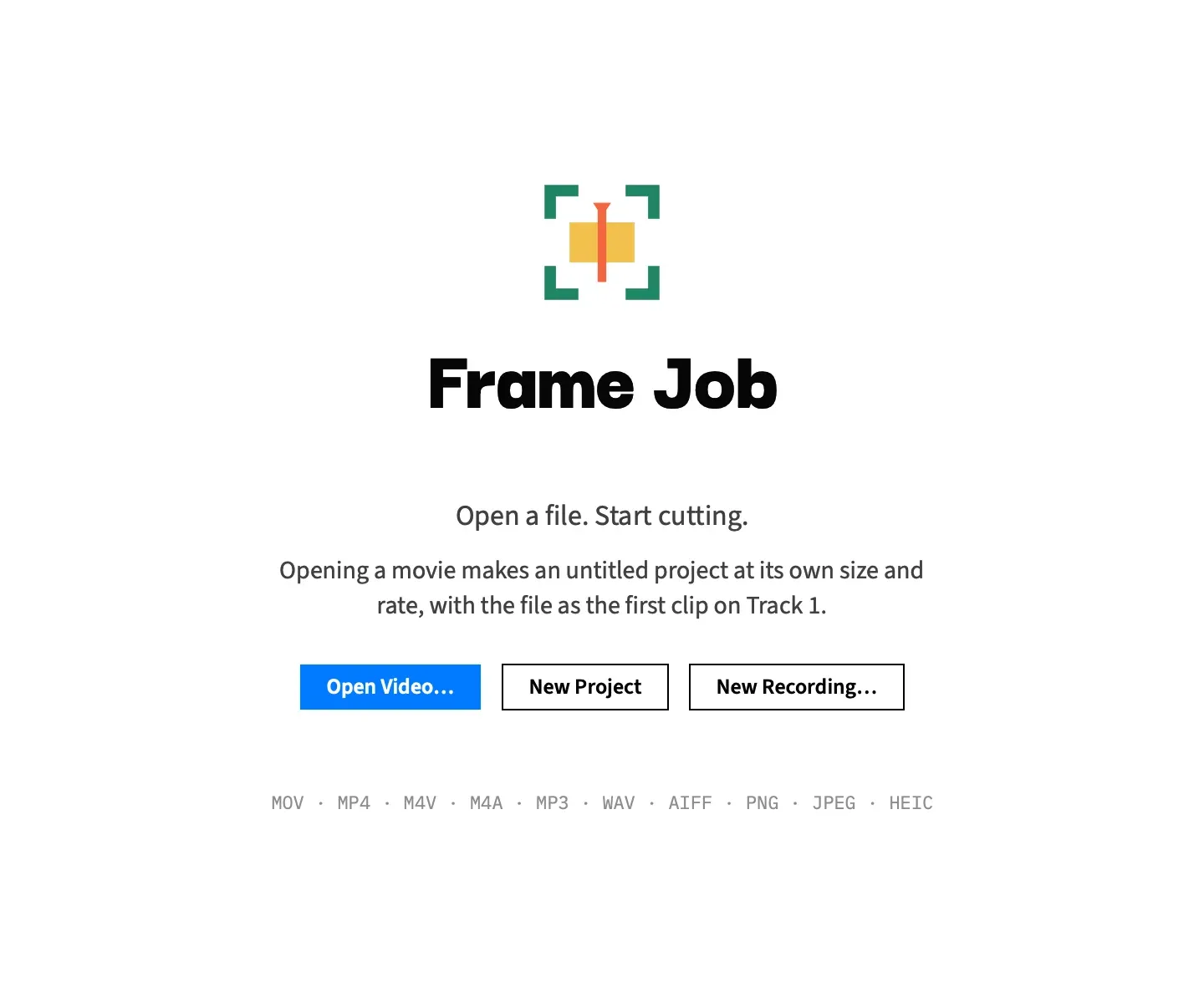
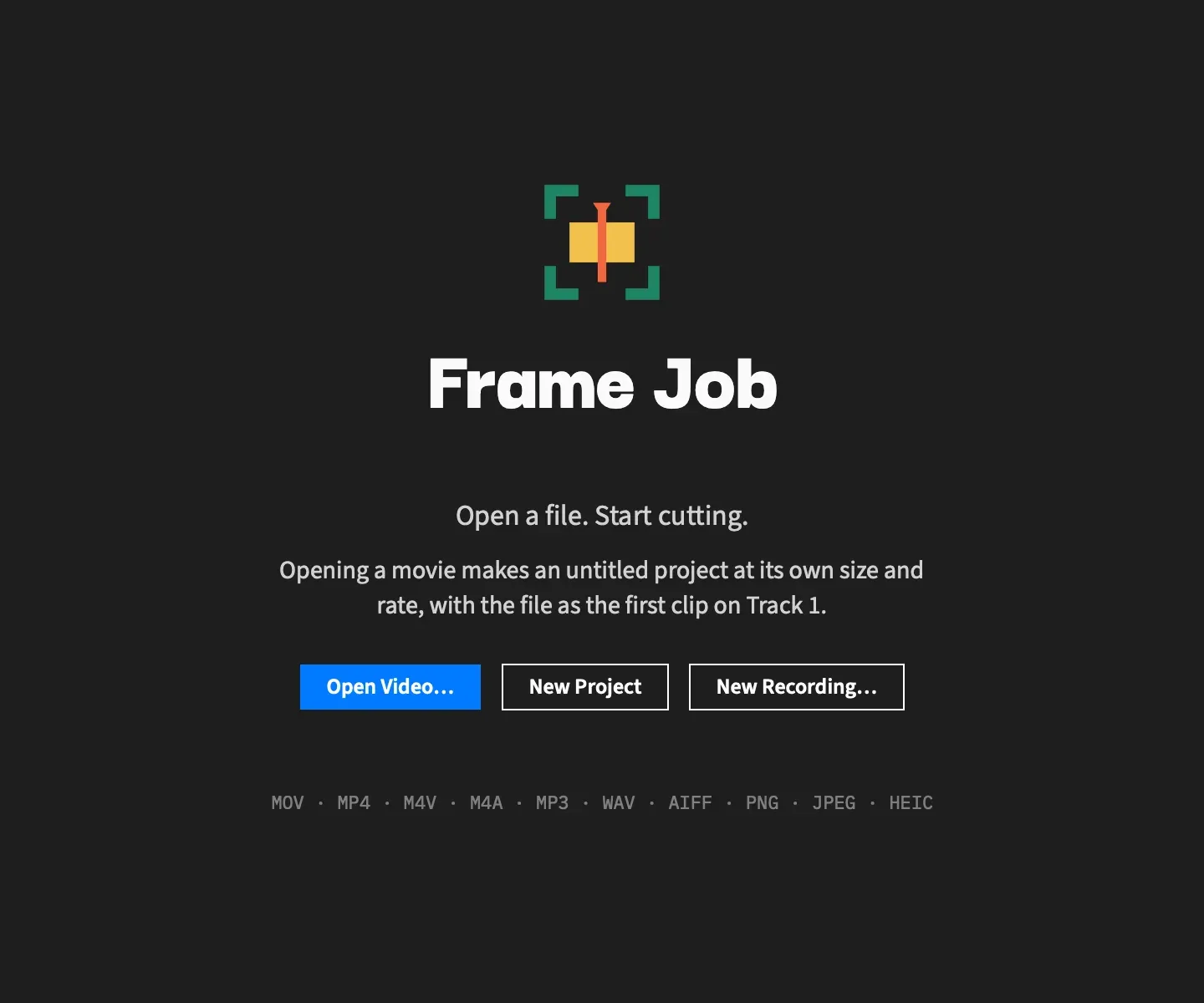
The Welcome window is where you start when no project is open. It offers the ways in and your recent projects, and it takes dropped files.
- Where
- Shown when Frame Job starts with nothing to openShown when you click the Dock icon with no window open
- Agent tools
open_projectnew_projectrecord_screen
Start something
Section titled “Start something”| Button | What it does |
|---|---|
| Open Video… | Shows the same open panel as File ▸ Open…. A movie becomes an untitled project at its own size and rate, with the file as the first clip on Track 1. Despite the name it also opens sound files, pictures and saved .framejob projects. |
| New Project | Starts a blank 1920 × 1080, 30 fps project. |
| New Recording… | Opens the recorder panel, with no project needed. |
New Recording… never stops a recording, unlike the File menu item, which reads Stop Recording while one runs. During a screen recording, when the recorder panel is hidden, it only beeps. During a camera or microphone-only recording it shows the panel again.
For what you get from each, see Start a project.
Reopen a recent project
Section titled “Reopen a recent project”Under the buttons, Recent lists up to five recent documents by name, most recent first. Click one to reopen it. Hover over a row to see its full path.
The heading and the list disappear when there’s nothing recent. File ▸ Open Recent keeps the same list, so Clear Menu empties this one too, the next time the window opens.
Drop files on it
Section titled “Drop files on it”Drag a file or a project from the Finder and drop it anywhere on the window. Each file opens as its own document, so several files make several projects.
The window takes .framejob projects and the movie, sound and picture types File ▸ Open… lists, and ignores anything else. The line at the foot of the window names the common ones: MOV · MP4 · M4V · M4A · MP3 · WAV · AIFF · PNG · JPEG · HEIC.
When it appears and goes away
Section titled “When it appears and goes away”Frame Job shows the Welcome window when it starts with nothing to open, and when you click its Dock icon with no window open. It closes itself as soon as a project window comes up.
Closing the last project doesn’t bring it back on its own, and Frame Job keeps running. Click the Dock icon to see it again.
The window is a fixed 720 × 600 and can’t be resized.