
Requirements and install
Frame Job runs on an Apple Silicon Mac with macOS 26 or later. It’s free, there’s no account to make, and you can start cutting as soon as it’s in your Applications folder.
- Needs
- An Apple Silicon MacmacOS 26 or later
What Frame Job needs
Section titled “What Frame Job needs”| You need | Details |
|---|---|
| An Apple Silicon Mac | Frame Job is built for Apple Silicon alone, so an Intel Mac can’t run it. There’s no Windows, Linux, iPad or iPhone version. |
| macOS 26 or later | 26.0 is the oldest system it opens on. |
| An account | None. There’s nothing to sign up for. |
| A subscription | None. Frame Job is free and open source. The features that need an API key charge your own account with that service. |
| An API key | None to edit. Only the Assistant and cloud transcription need one, and each runs on your own key. Everything else works without a key. |
Download and install
Section titled “Download and install”-
Download the newest build: FrameJob.dmg. This link always gives you the latest release.
-
Open the DMG.
-
Drag Frame Job to Applications.
The download is signed and notarized, and it can update itself.
A copy you build yourself has no updater. To build one, see Developing Frame Job.
First launch
Section titled “First launch”Frame Job asks you for nothing the first time it opens: no account, no key and no system permission. As with any app downloaded from the internet, macOS may ask you to confirm that you want to open it.
With nothing to open, it shows the Welcome window, with Open Video…, New Project, New Recording… and your recent projects.
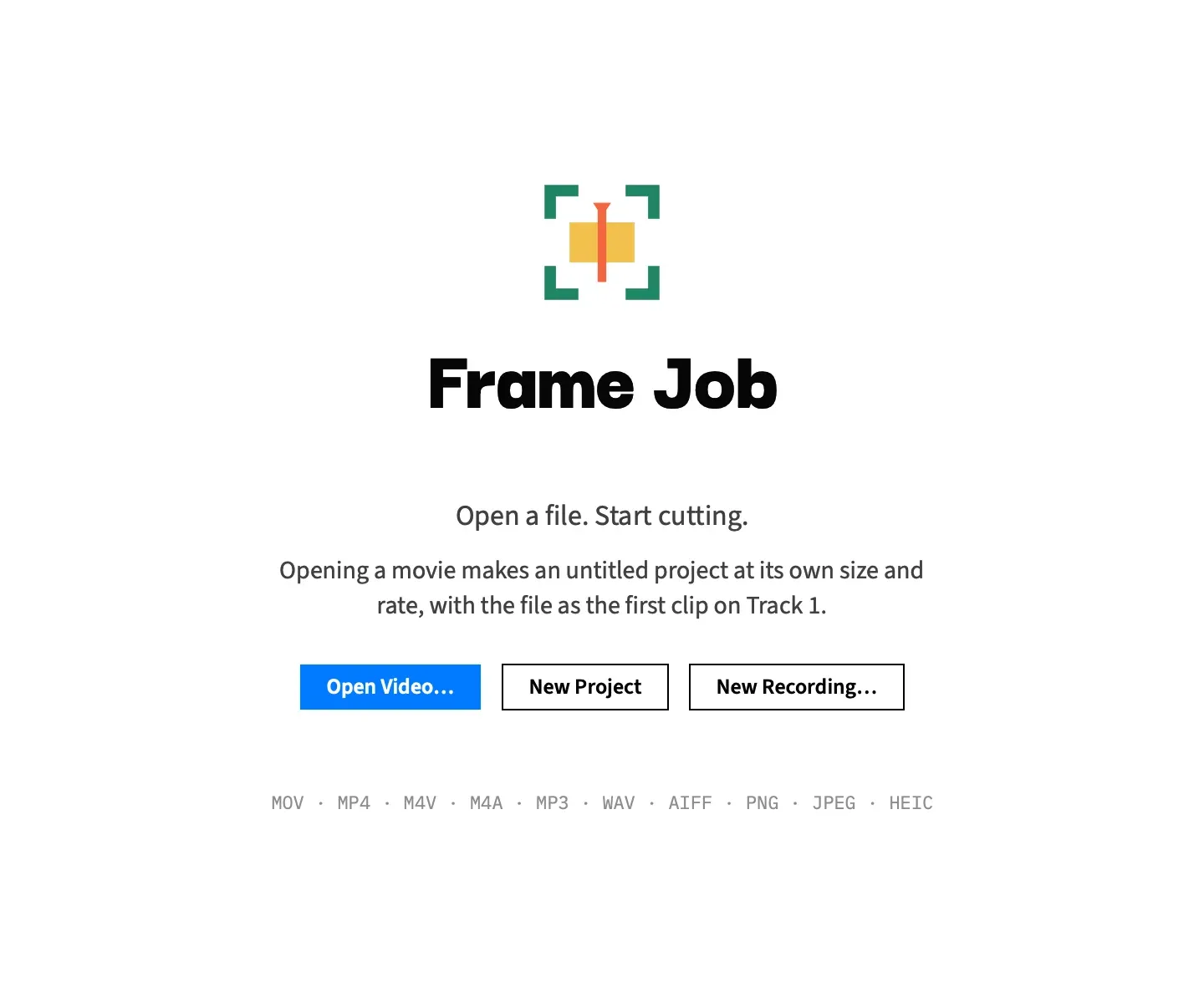
Three things come later, and only when you get to them:
- System permissions. Screen Recording, Microphone, Camera and Input Monitoring come up only when you press Record in the recorder panel, and only for what that recording uses. Frame Job never asks at launch. See Recording permissions.
- Automatic updates. The second time you open the downloaded copy, it asks whether to check for updates automatically. See Updates.
- API keys. They’re optional, and you set them in Frame Job ▸ Settings… (⌘,), which works with no project open. See AI features and your own keys.