
Cut
Trim, slip and roll, split and nest clips on tracks that hold anything. Take out dead air with Remove Silences and Remove Filler Words, or cut by deleting words from the transcript.
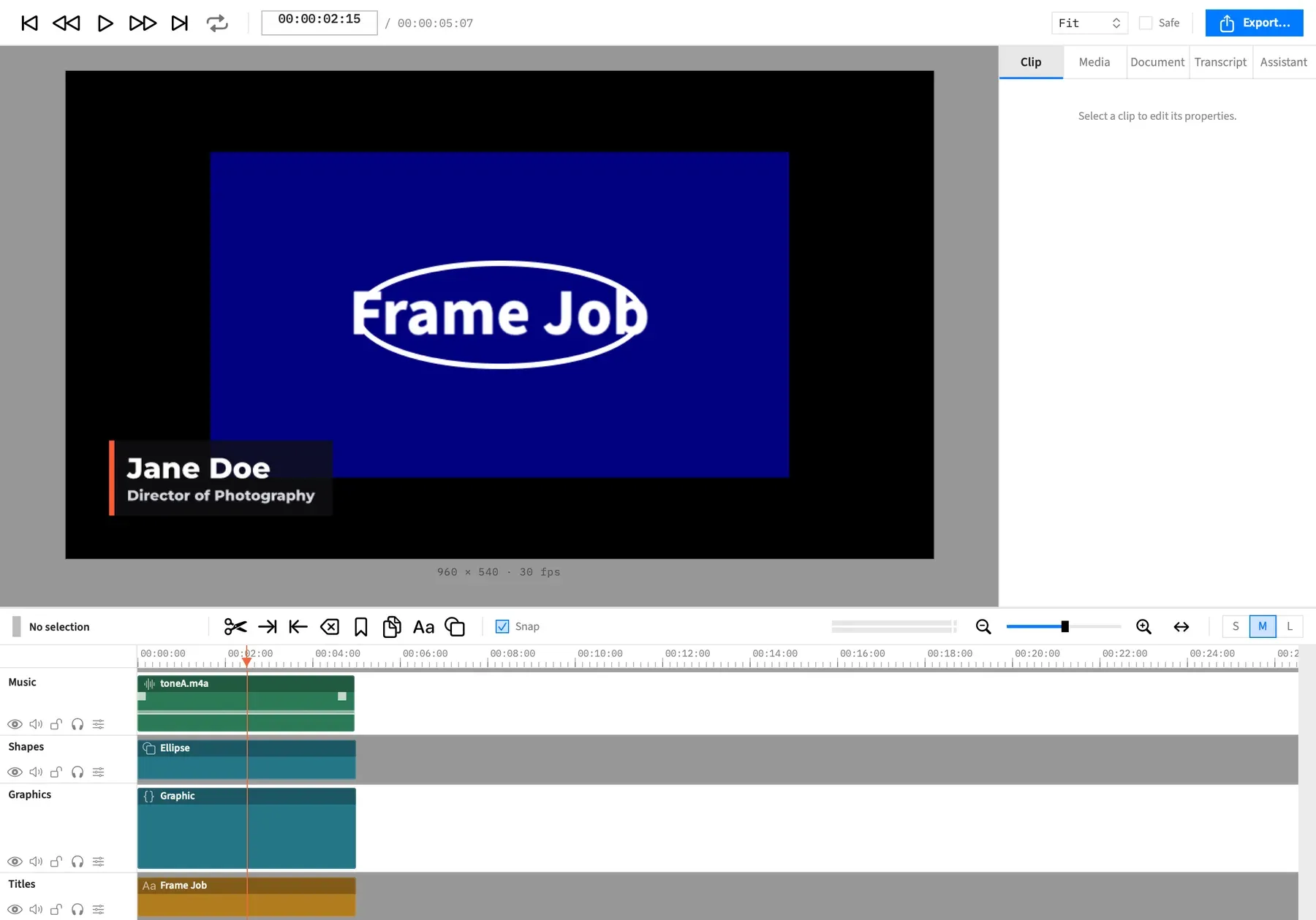
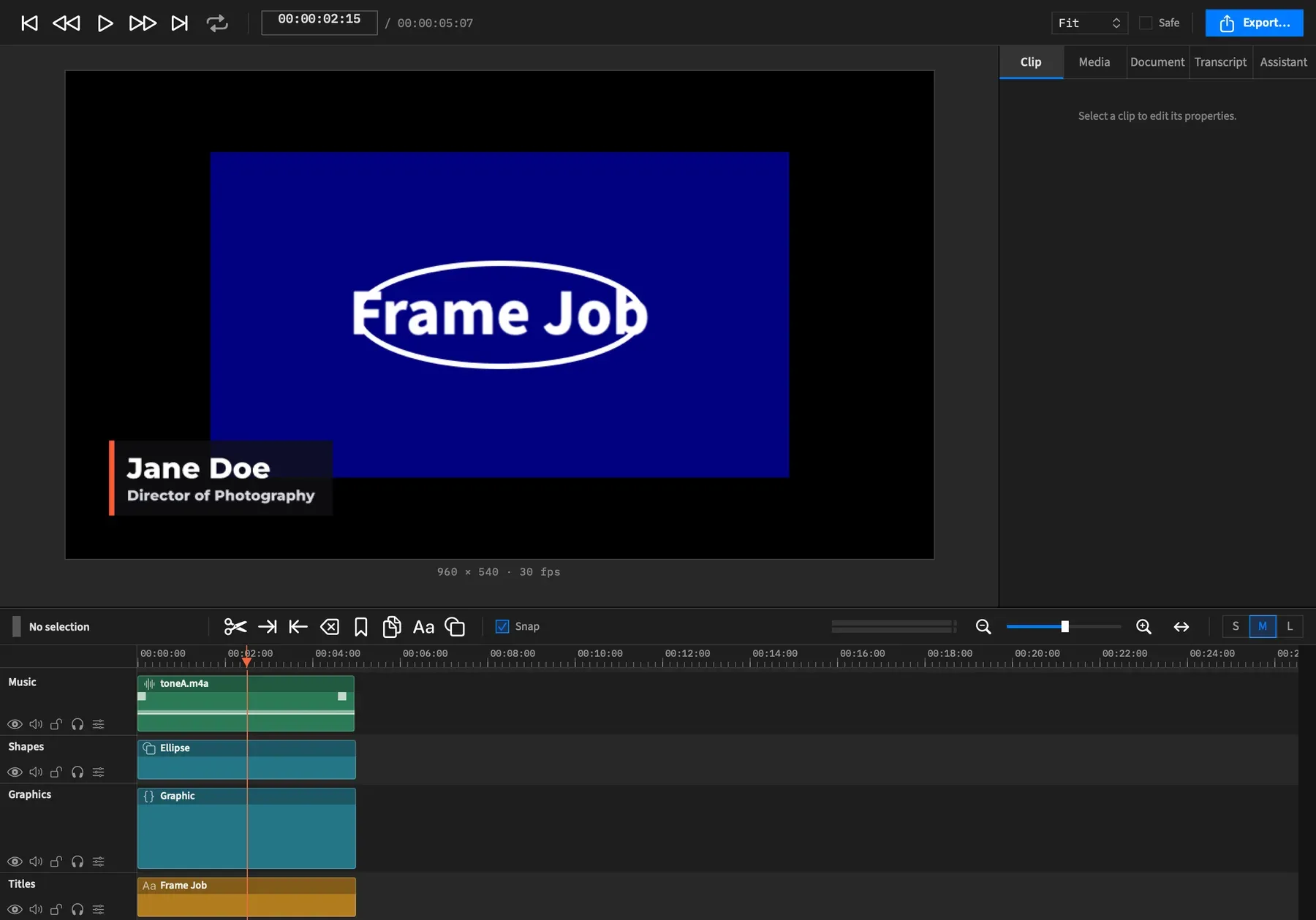
Frame Job runs on Apple Silicon Macs with macOS 26 or later. There’s no account to make. Every AI feature runs on your own API key, and everything else works without one.
Cut
Trim, slip and roll, split and nest clips on tracks that hold anything. Take out dead air with Remove Silences and Remove Filler Words, or cut by deleting words from the transcript.
Compose
Place text, shapes and pictures on a fixed canvas, use matte tracks, and Remove Background with no green screen.
Animate
Ease any property with actions, use motion presets and transitions, build speed ramps, and drop in motion graphics.
Grade
Wheels, curves, looks, LUTs, qualifiers and scopes, with camera log and HDR projects.
Mix
Enhance Voice, EQ, ducking, Normalize to a loudness target, and Synchronize Audio across cameras and recorders.
Caption
Generate captions on your Mac or with AssemblyAI, as subtitles or word-by-word styles, and read your project as a transcript.
Record
Record a display or a window with a camera beside it, then Auto Zoom and Speed Up Typing.
Reframe
Follow Subject keeps a person in frame, and Make Vertical Version turns a whole edit into 9:16, 4:5 or 1:1. Switch by Speaker cuts between cameras for you.
Deliver
H.264 and HEVC, ProRes, AV1 and VP9, transparent exports, stems and an Export Queue that runs behind the editor.